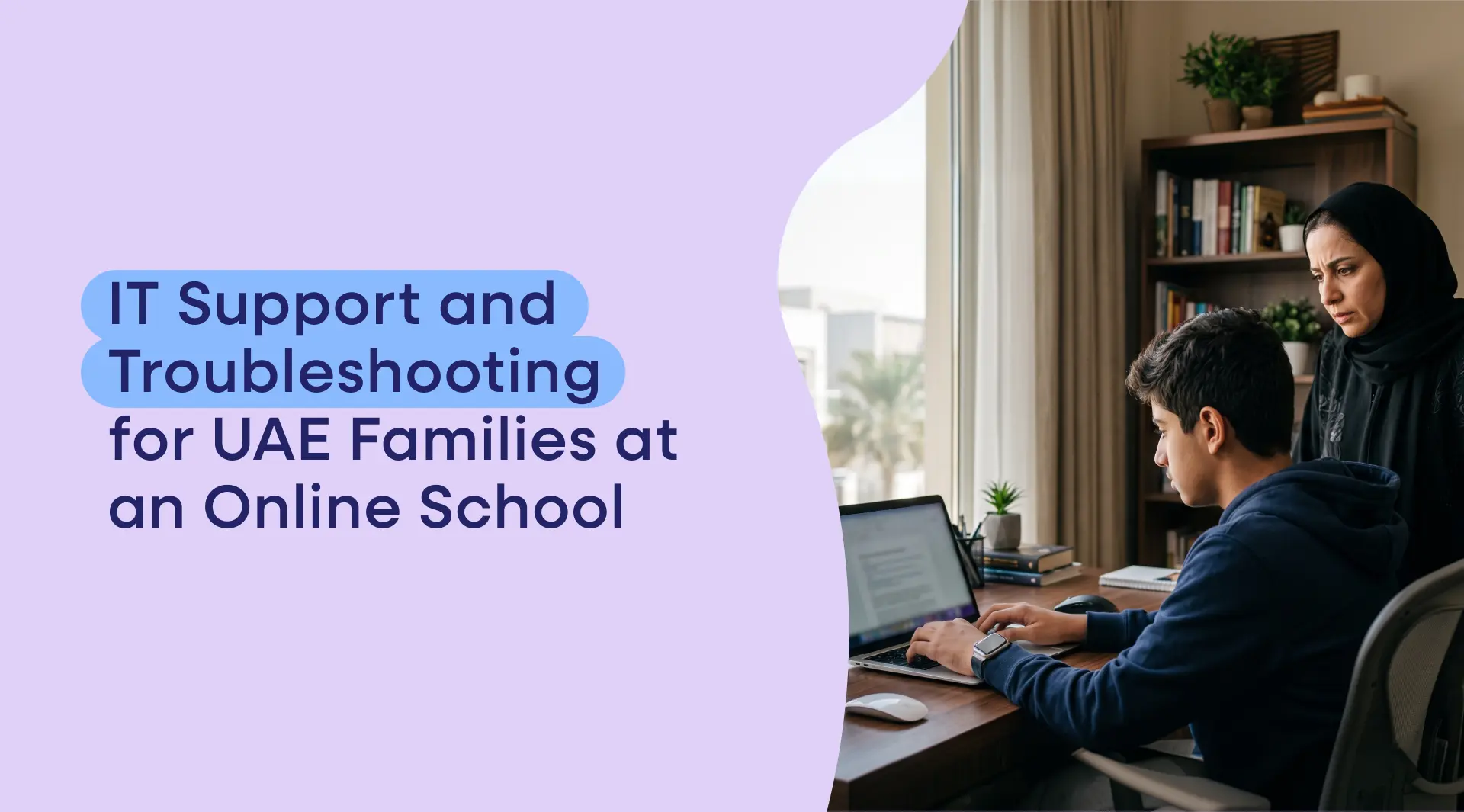
IT Support and Troubleshooting for UAE Families at an Online School
A fair, practical worry for UAE families considering online school is: what happens when something technical goes wrong? If my child can't log in, or a lesson won't load, is there help? This guide explains how IT support and troubleshooting work at a good online school, so you know your family won't be left stuck.
A good online school provides IT support to help UAE families with the practical side of online learning — logging in, accessing live lessons and materials, and resolving technical issues on its platform. It typically covers account and login help, platform and connectivity troubleshooting, and device setup, so a technical hiccup never costs a lesson.
Online school IT support: what it covers
A good online school treats IT support as part of the service, because reliable access to lessons is essential — a child cannot learn from a platform they cannot log into. In practice, IT support at an online school typically covers the everyday technical needs of families:
Account and login help — resolving password, access and account issues so a child can get into their lessons and materials.
Platform troubleshooting — help when something on the school's learning platform is not working as expected.
Connectivity guidance — advice on getting a stable connection to live lessons (particularly relevant in the UAE — see below).
Device and setup guidance — help making sure a family's device and browser are set up correctly for online learning.
The reassuring principle is that a technical problem should never mean a lost lesson: a good school has a route to get help quickly, and live lessons are recorded so a child can catch up if a session is genuinely missed. The specific support channels and hours vary by school, so it is worth asking directly how you reach IT support and when — a good school answers clearly. To see how the wider online school works, explore a British curriculum online school in the UAE. Speak to the Teneo team about support.
Online school technical requirements in the UAE
Before troubleshooting, it helps to know what a child actually needs — because most technical problems are avoided by getting the setup right from the start. The technical requirements for online school are modest and within reach of most UAE households:
A reasonably modern device — a laptop or desktop is ideal for schoolwork (a tablet can work for some tasks), with a webcam and microphone for live lessons.
A stable internet connection — a typical UAE home broadband connection is comfortably sufficient for live video lessons.
An up-to-date web browser — the school's platform runs in the browser, so keeping it current avoids many issues.
A quiet, set-up study space — not a technical requirement as such, but it makes the technology work better in practice.
Crucially for the UAE, a good online school delivers live lessons over permitted education platforms that operate normally on UAE networks — so families do not need any workaround (more on this in the connectivity guide). This is an important reassurance specific to the UAE, and it means the setup is genuinely straightforward: standard home broadband and a normal device are enough, with no special configuration required. If your setup meets these modest requirements, the technology should simply work, with IT support there for the occasional hiccup. To check whether online school works on UAE internet, see does online school work on UAE internet.
Help with online school login in the UAE
Login problems are the single most common technical issue for any online service, so it is worth knowing how they are handled — and how to avoid them. At a good online school, login help is a core part of IT support: if a child cannot access their account, lessons, or materials, there is a way to resolve it quickly, because access is essential to learning.
Most login issues are simple and quick to fix — a forgotten or mistyped password, a browser that needs updating or its cache clearing, or an account setting. A good school provides a clear way to reset access and get help, and it is worth a family keeping login details somewhere safe and knowing in advance how to reach support, so a login glitch is a minor, quickly solved moment rather than a lost morning. A small amount of preparation goes a long way here: setting up and testing the login before the first day, bookmarking the platform, and saving the support contact means the family starts confidently rather than troubleshooting under pressure on day one. If you are unsure how login support works at a particular school, ask before enrolling — it is a fair and sensible question. The exact process and support channels are best confirmed with the school directly. Speak to the Teneo team about how support works for UAE families.
Frequently asked questions
Does an online school provide IT support?
A good one does — it treats IT support as part of the service, helping families with logins, platform issues, connectivity and device setup, because reliable access to lessons is essential. Support typically means a technical problem never costs a child a lesson, especially as live lessons are recorded for catch-up. Confirm the exact support channels and hours with the specific school.
What technical help can I get for my child's online school?
Typically: account and login help, troubleshooting when the learning platform is not working as expected, guidance on getting a stable connection to live lessons, and help setting up a device and browser correctly. The aim is that a technical hiccup never means a lost lesson. The precise channels and hours vary by school, so ask how and when you can reach IT support.
What do I do if my child can't log in to their online school?
Contact the school's IT support, which handles login issues as a core task. Most are simple — a forgotten or mistyped password, a browser needing updating or its cache clearing, or an account setting — and quick to resolve. Keeping login details safe and knowing in advance how to reach support turns a login glitch into a minor moment rather than a lost lesson.
What are the technical requirements for online school in the UAE?
A reasonably modern laptop or desktop with a webcam and microphone, a stable internet connection (a typical UAE home broadband connection is sufficient for live video lessons), an up-to-date web browser, and a quiet study space. A good school delivers live lessons over permitted education platforms that work normally on UAE networks, so no workaround is needed.
Will a technical problem mean my child misses a lesson?
It should not. A good online school has a route to get help quickly, and — importantly — live lessons are recorded, so if a child does miss a session to a technical issue, they can catch up on the recording. The combination of responsive IT support and recorded lessons means technical hiccups are manageable rather than costly.
How do I reach IT support at an online school?
This varies by school, so it is a sensible question to ask before enrolling: how do I reach IT support, and when is it available? A good school answers clearly and makes support easy to reach. Confirm the specific channels and hours with the school directly rather than assuming — reliable, reachable support is a fair thing to expect and check.
A good online school provides IT support to help UAE families with logins, platform issues, connectivity and device setup — so a technical hiccup never means a lost lesson, especially as live lessons are recorded for catch-up. To learn more, explore a British curriculum online school in the UAE, what you need to start, or speak to the Teneo team to confirm how support works.
Share